Integrity Check and Repair Guide
2024/12/01
Verifying the Integrity of Steam Game Files
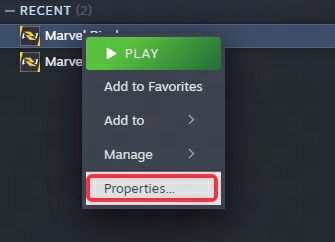
To verify the integrity of your game files for Marvel Rivals, please follow these steps:
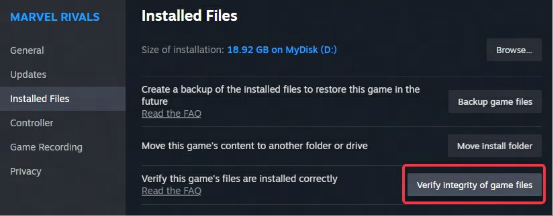
Go to the Installed Files tab and click on Verify Integrity of Game Files.
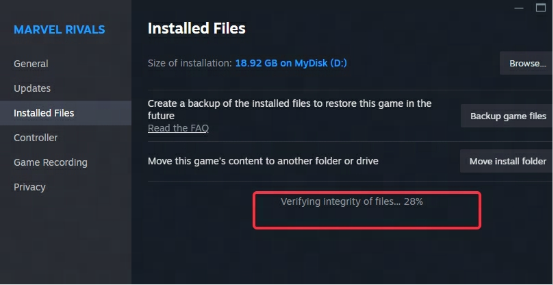
Wait for the verification process to complete.
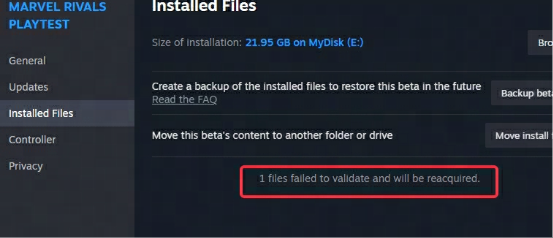
If any files are found to be missing or corrupted, wait for the necessary files to download.

Once the process is complete, you can launch the game normally.
Verify the Integrity of Epic Game Files
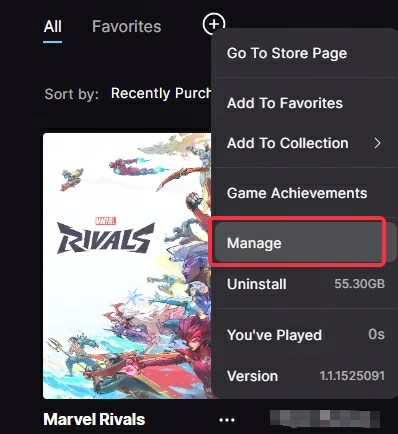
Right-click on "MarvelRivals" in your library and select "Manage".
Then click on "Verify".
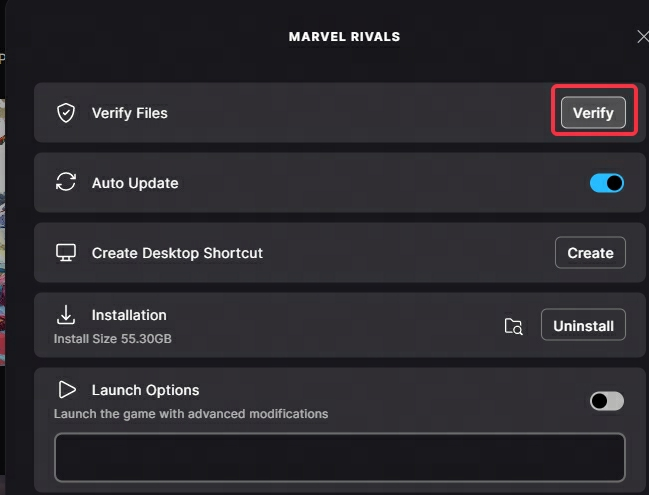
Wait for the installation to complete, and you can play normally.